 Bits
Small apps for your Mac
Build a tool with your AI harness, run it in Bits, and share it as a .bit file.
Download for MacApple silicon · macOS 13 or later
Shrink a photo for email
Adjust the quality, preview the result, and save a smaller WebP at the same dimensions.
Turn a link into a QR code
Paste a menu link and turn it into a sign people can scan.
Build a palette you can reuse
Start with a color, explore matching palettes, and copy the one you like straight into CSS.
Check a site on a schedule
See when a site went down and when it came back. Checks run while Bits is open.
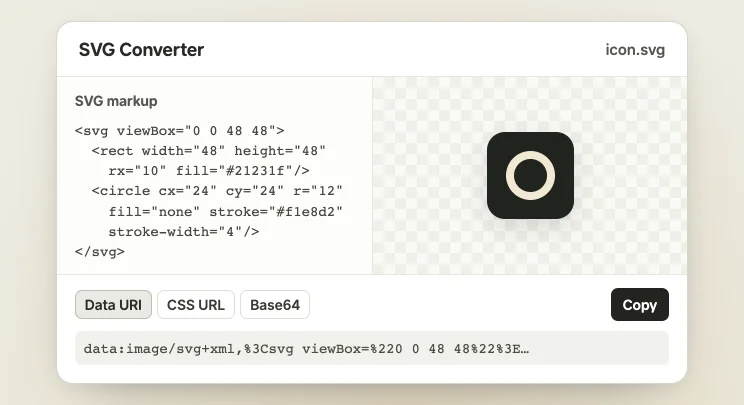
Make an SVG ready to paste
Drop in an SVG, preview it, and copy a data URI or CSS URL. SVG Converter comes with Bits.
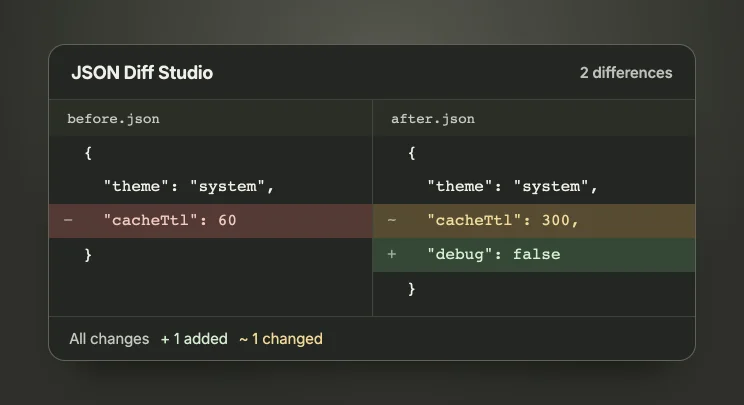
See what changed in a config
Compare two JSON files side by side. Spot which settings were added, removed, or changed.
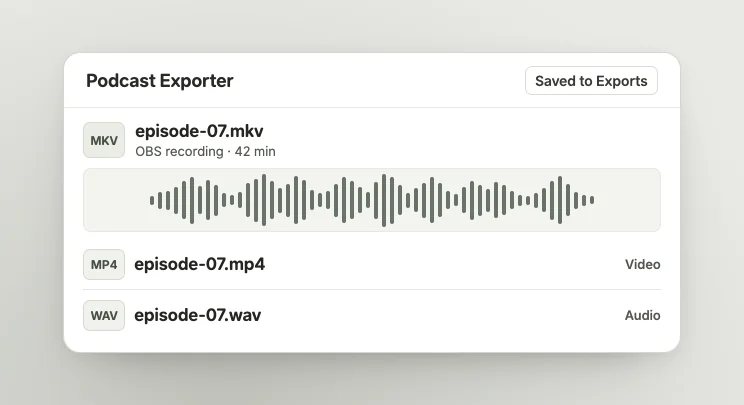
Turn a recording into an MP4
Convert an OBS recording to MP4 and pull out its audio as WAV. Save both to a folder on your Mac.
Get started
Download for MacConnect your AI harness
In Bits, open Settings → Connect AI. Follow the setup for a harness that supports local MCP over stdio, then ask it to build and publish a Bit.